
Installation support, every step of the way
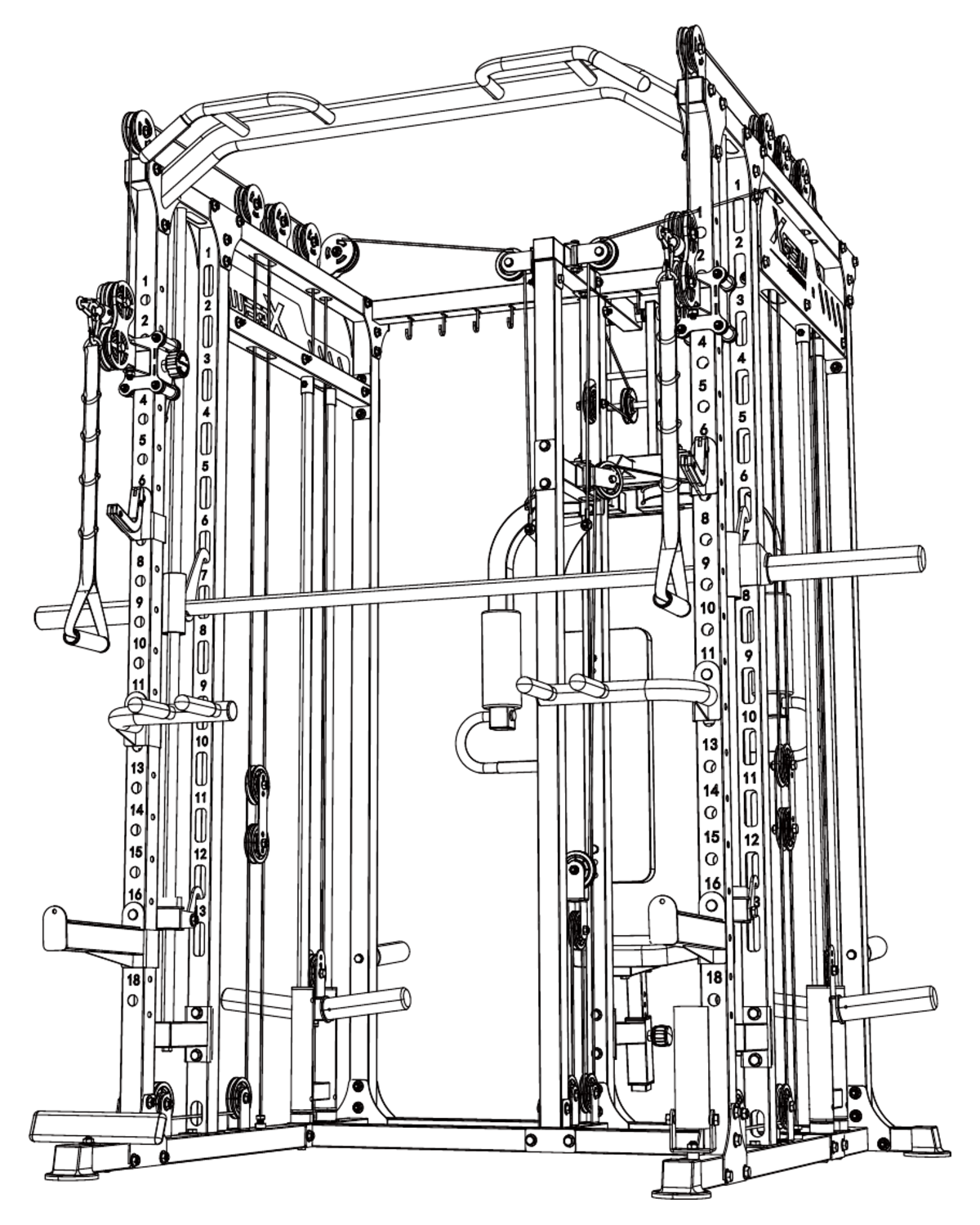
L06 Installation Guide
L06 Multi-Function Power Rack(Barbell Model)
Match the model code on your equipment before following these steps.
Start at Step 1- Installation steps
- 48
- Source PDF pages
- 53
Installation video
Parts and product details
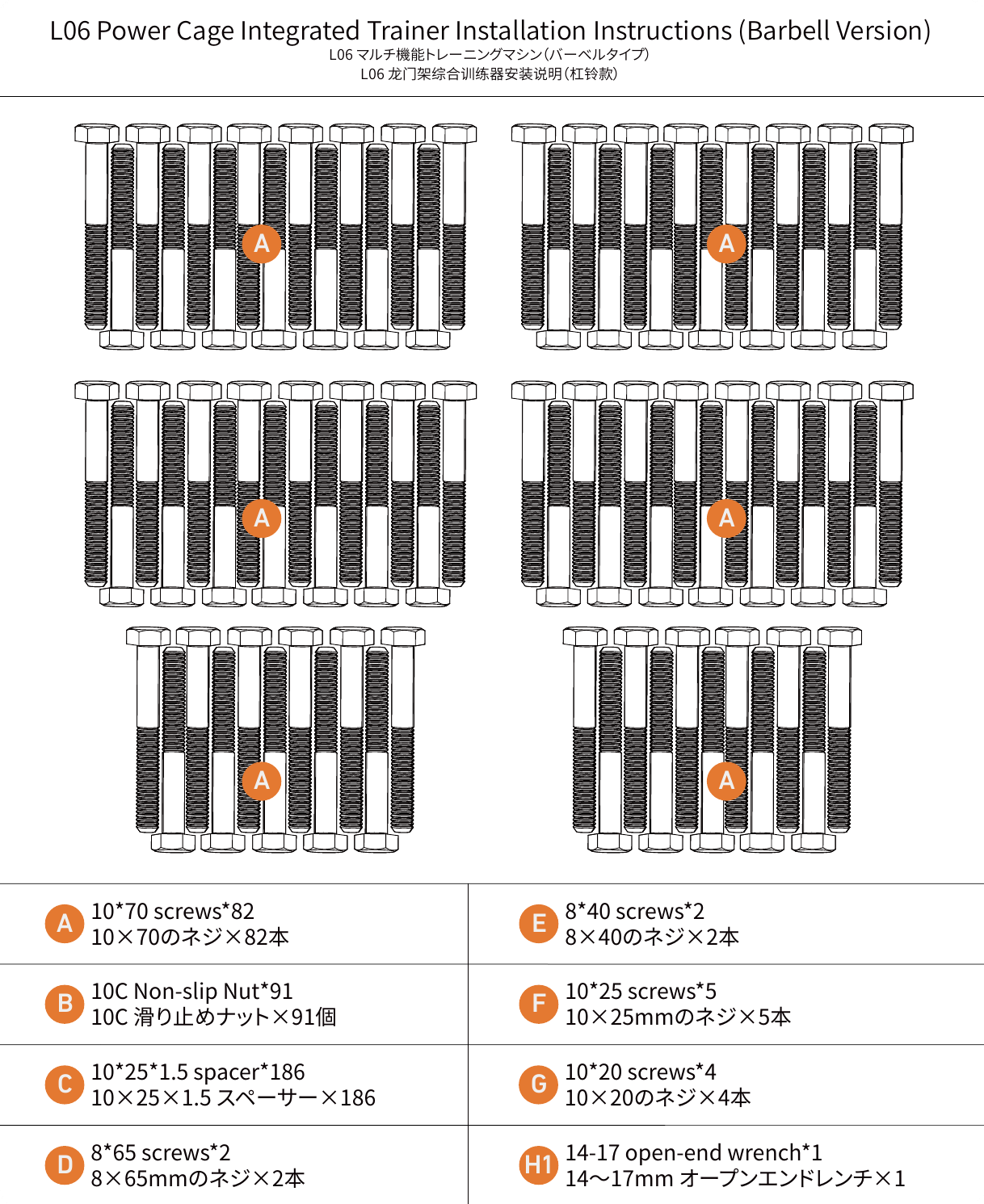
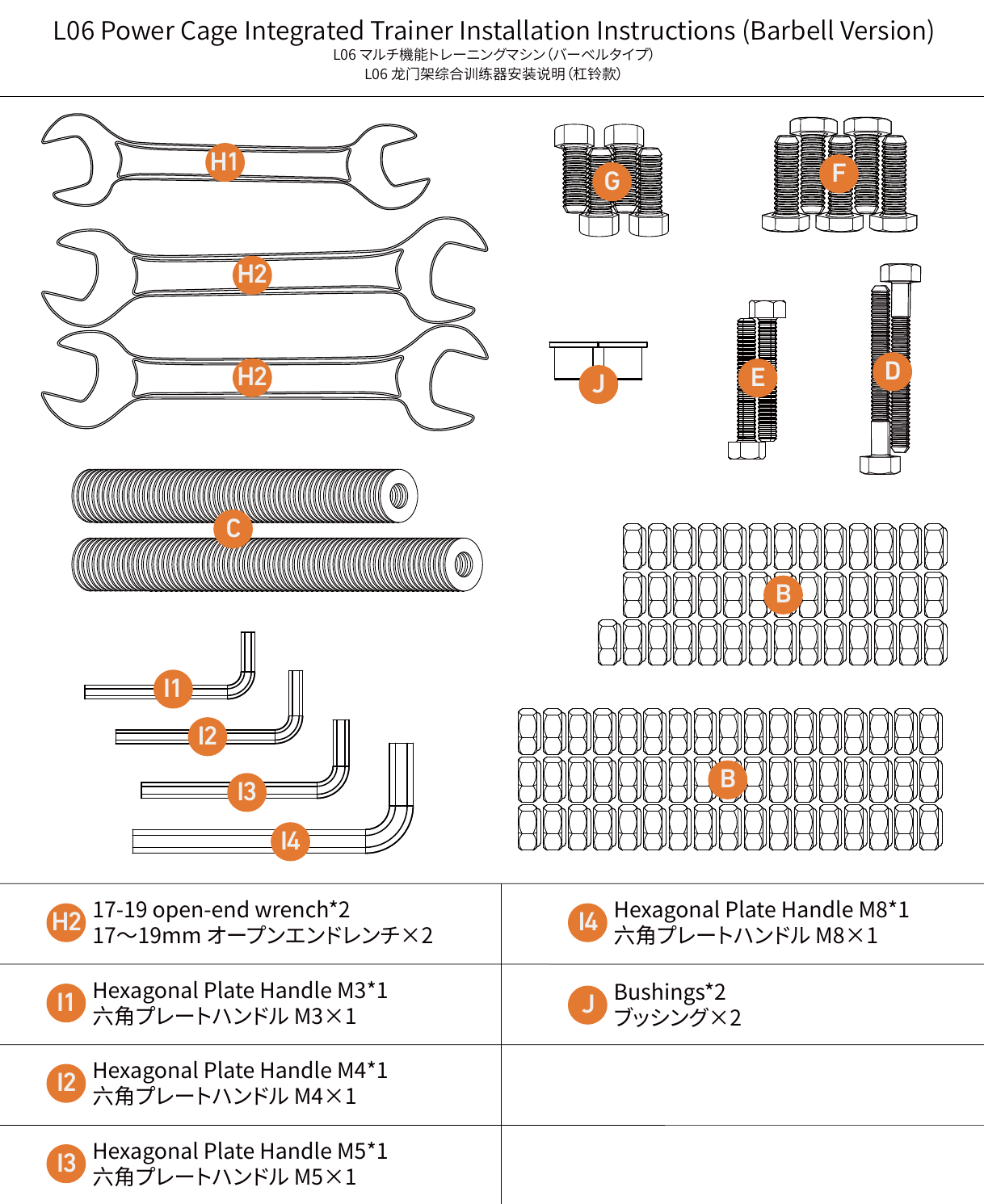
Assembly steps
48 steps- Assemble the Base Frame
- Attach the Lower Crossbar
- Install the Main Uprights
- Connect the Upright Supports
- Join the Upright Sections
- Build the Lower Frame
- Attach the Side Rails
- Install the Frame Brackets
- Connect the Crossmembers
- Secure the Upright Frame
- Install the Upper Supports
- Connect the Top Frame
- Install the Cable Guide
- Attach the Cable Brackets
- Install the Safety Stops
- Mount the Pulley Brackets
- Install the Smith Bar Guides
- Attach the Side Supports
- Install the Cable Supports
- Connect the Upper Rails
- Install the Pulley Assemblies
- Secure the Cable Guides
- Install the Upper Crossbars
- Attach the Pull-Up Bar
- Install the Barbell Supports
- Fit the Cable Attachments
- Connect the Frame Rails
- Install the Upper Frame Bars
- Secure the Upright Brackets
- Complete the Main Frame
- Install the Top Supports
- Connect the Crossbars
- Install the Pulley Cables
- Route the Main Cable
- Install the Cable Handles
- Attach the Upper Handles
- Fit the Smith Bar
- Install the Barbell Accessories
- Connect the Safety Supports
- Install the Final Frame Parts
- Complete the Barbell Assembly
- Route the Upper Cable
- Route the Lower Cable
- Adjust the Cable Length
- Secure the Cable Ends
- Install the Cable Accessories
- Check the Cable Routing
- Complete the Rack Assembly